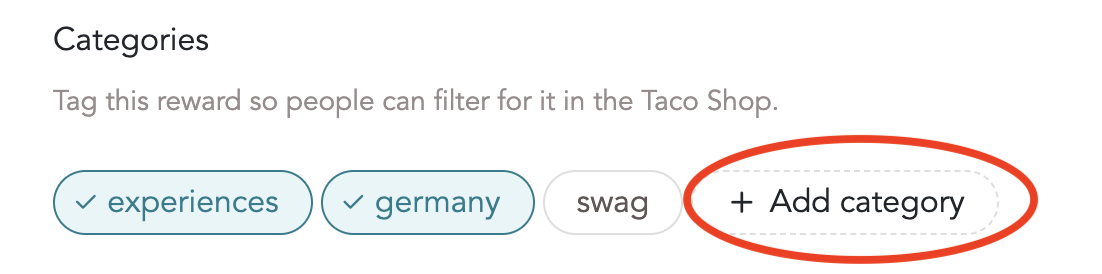
Filtering the Taco Shop
As you add rewards to your Taco Shop, the Taco Shop might get crowded. There are two ways for people to filter the Taco Shop:
1) Filtering by reward type: Custom, Collaborative or Gift Cards
- Additionally, Gift Cards can be filtered by countries
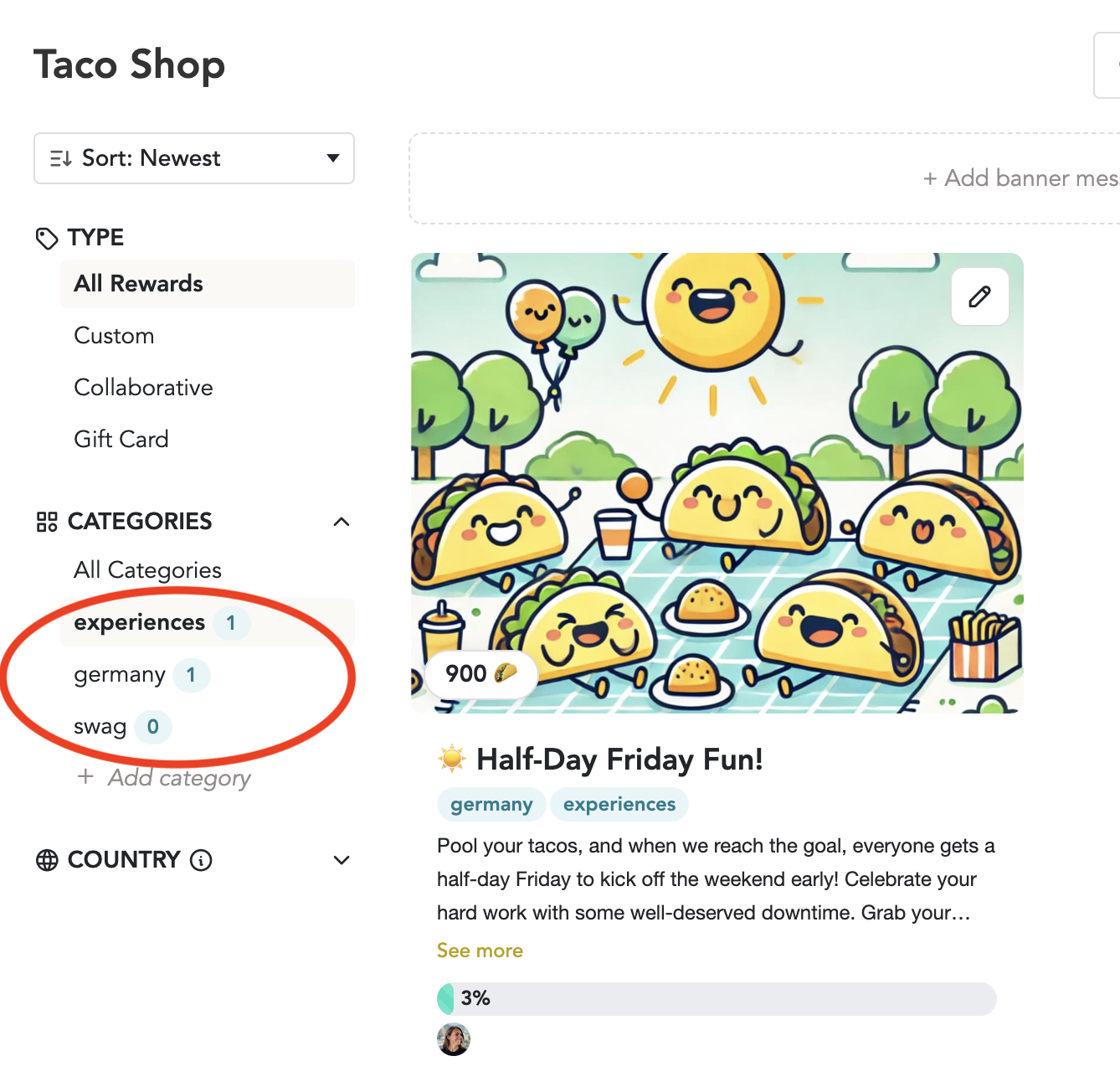
2) Filtering by category (currently available for HeyTaco for Slack only)
HeyTaco admins can create reward categories. Here's how:
- Create categories on the Taco Shop page. You can create as many categories as you'd like.
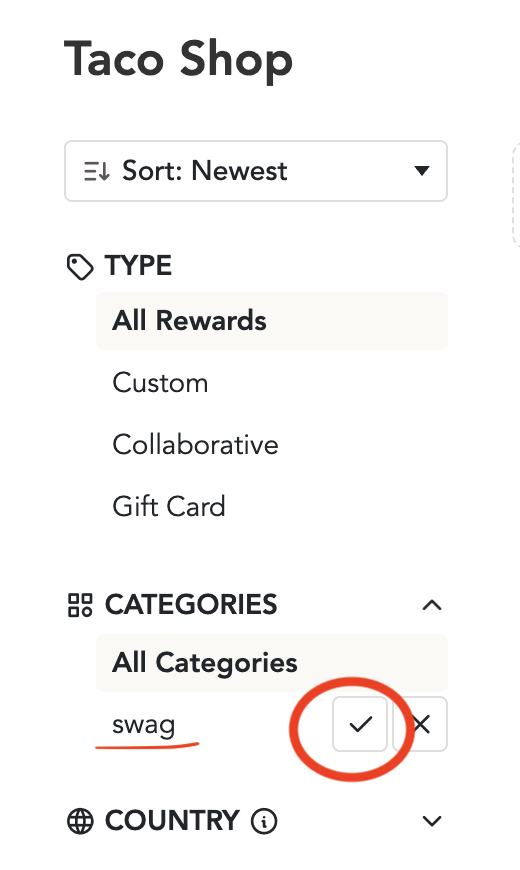
- Edit the existing rewards to include a category, or add a category when creating a new reward.
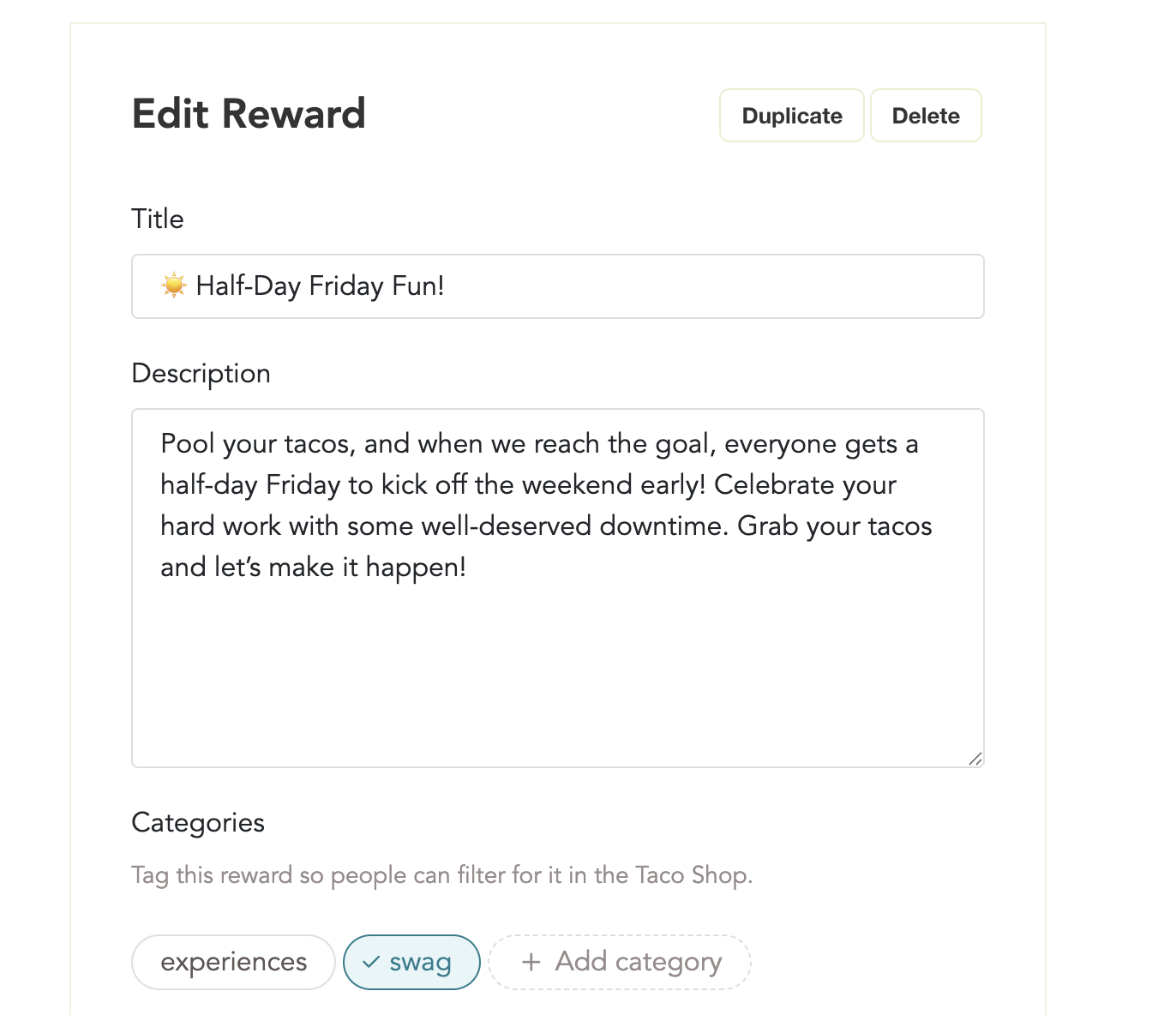

- You can add multiple categories to a single reward.
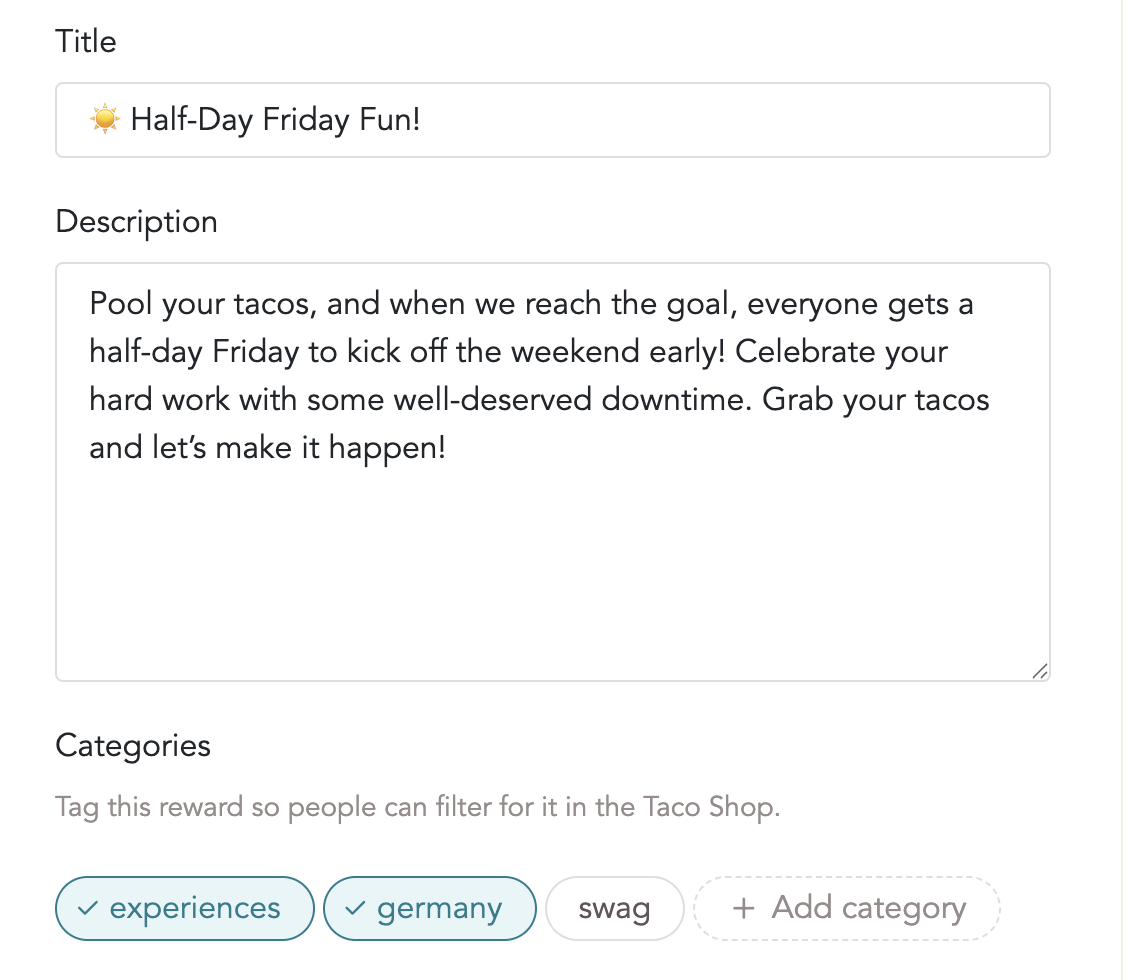
- People can now filter the rewards by all the categories you created.
Note: you can also create a new category when editing a reward, and it will then become a category you can reuse of other rewards of similar type.